Git
Git Documentation
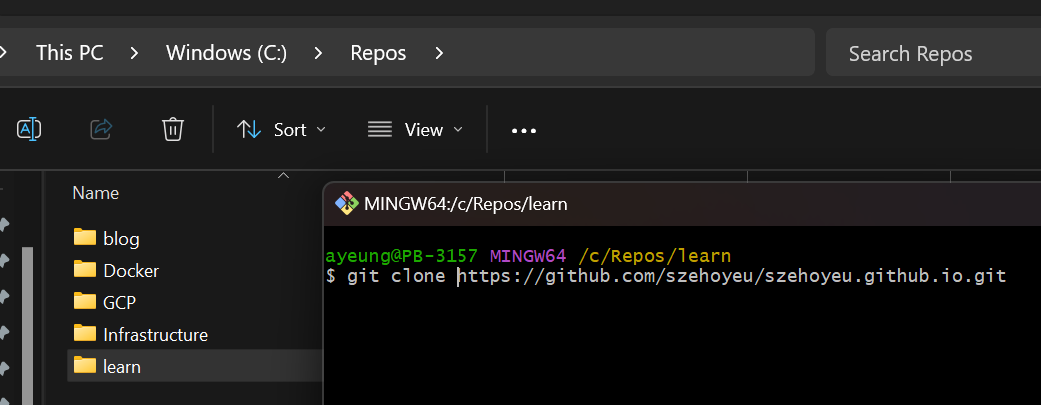
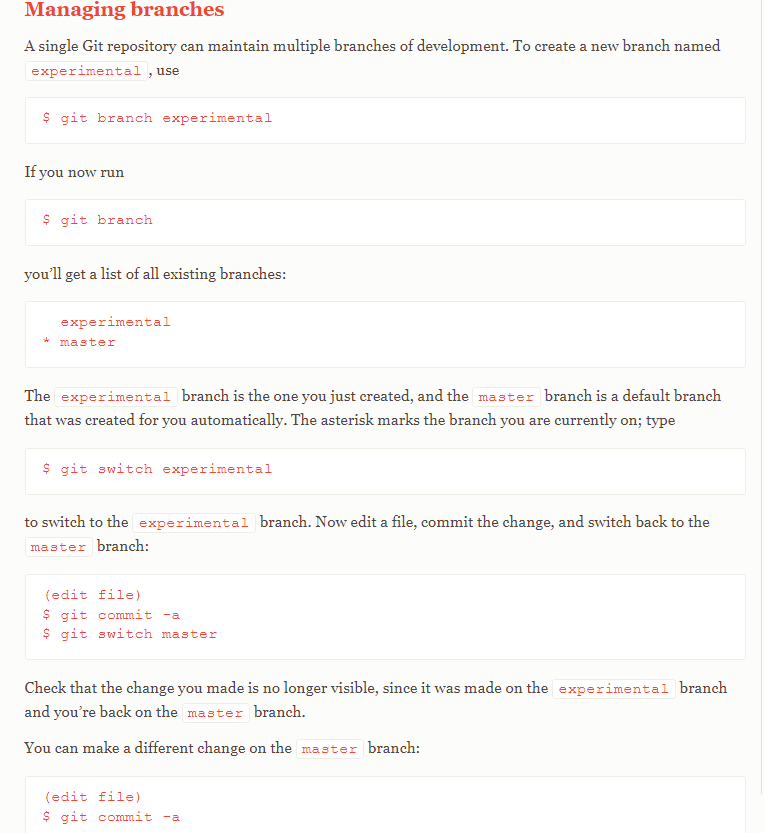
Checkout the main branch
git init
git checkout -b new_branch
git status
git add .
git commit -m "updates"
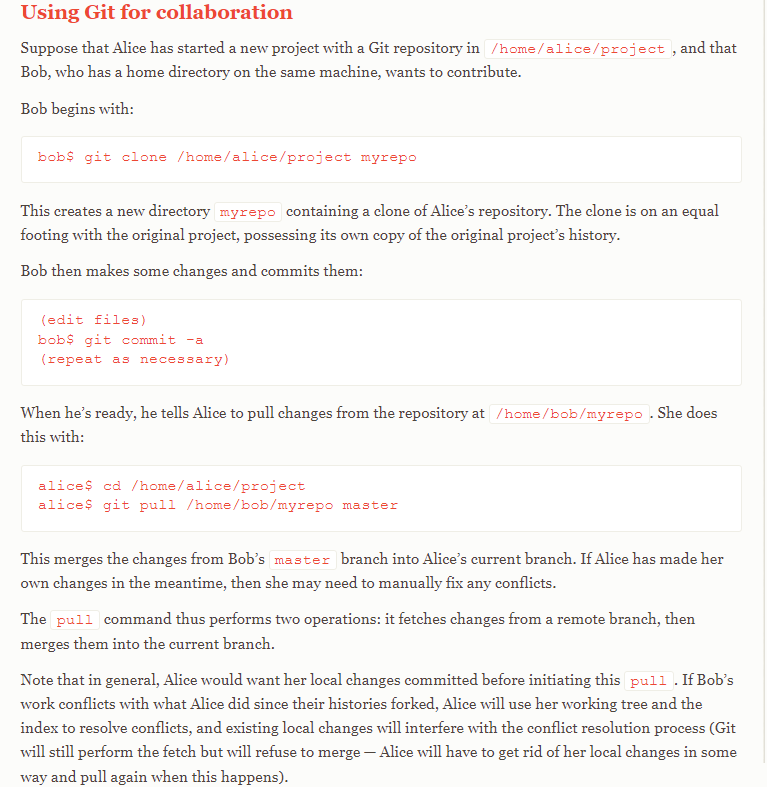
git remote origin http://github.com/......
git push origin new_branch
Commit Changes in Git
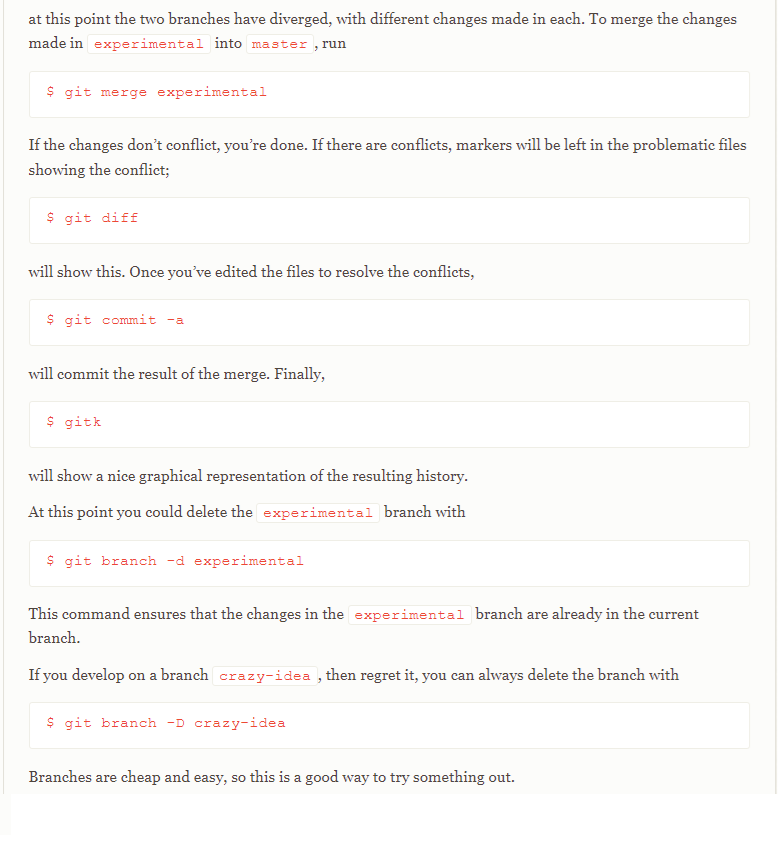
git add --all
or
git add .


git commit -m "Comment on changes"
git push -u origin main

-----------------------------
NOTE:
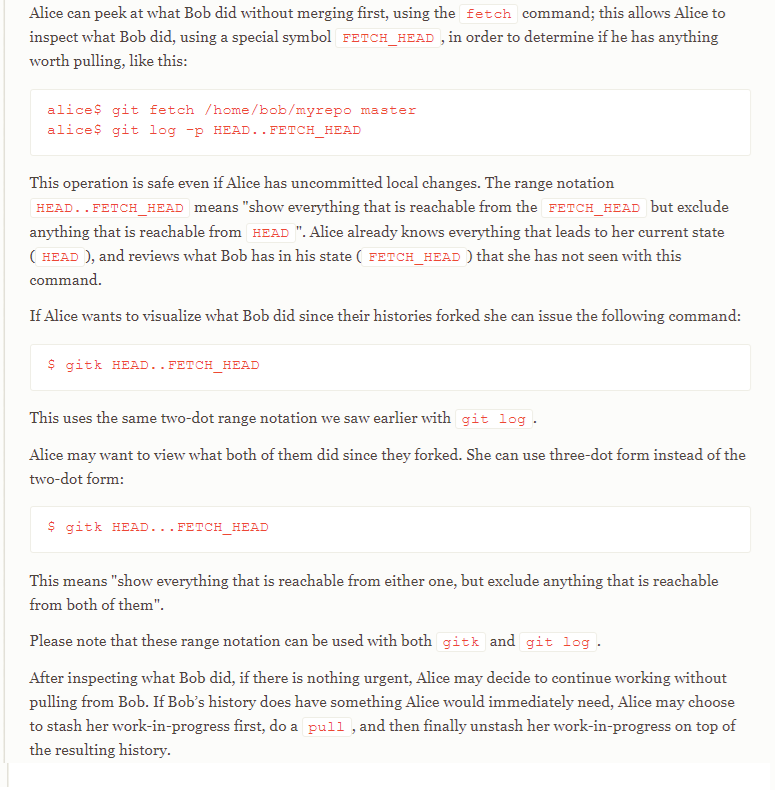
git push --help

If you have divergent branches and need to specify how to reconcile them.
You can do so by running one of the following commands sometime before your next pull:

git config pull.rebase false  # merge (the default strategy)
git config pull.rebase true   # rebase
git config pull.ff only       # fast-forward only

-----------------------------

bundle install
bundle update
bundle exec jekyll serve --livereload

-----------------------------